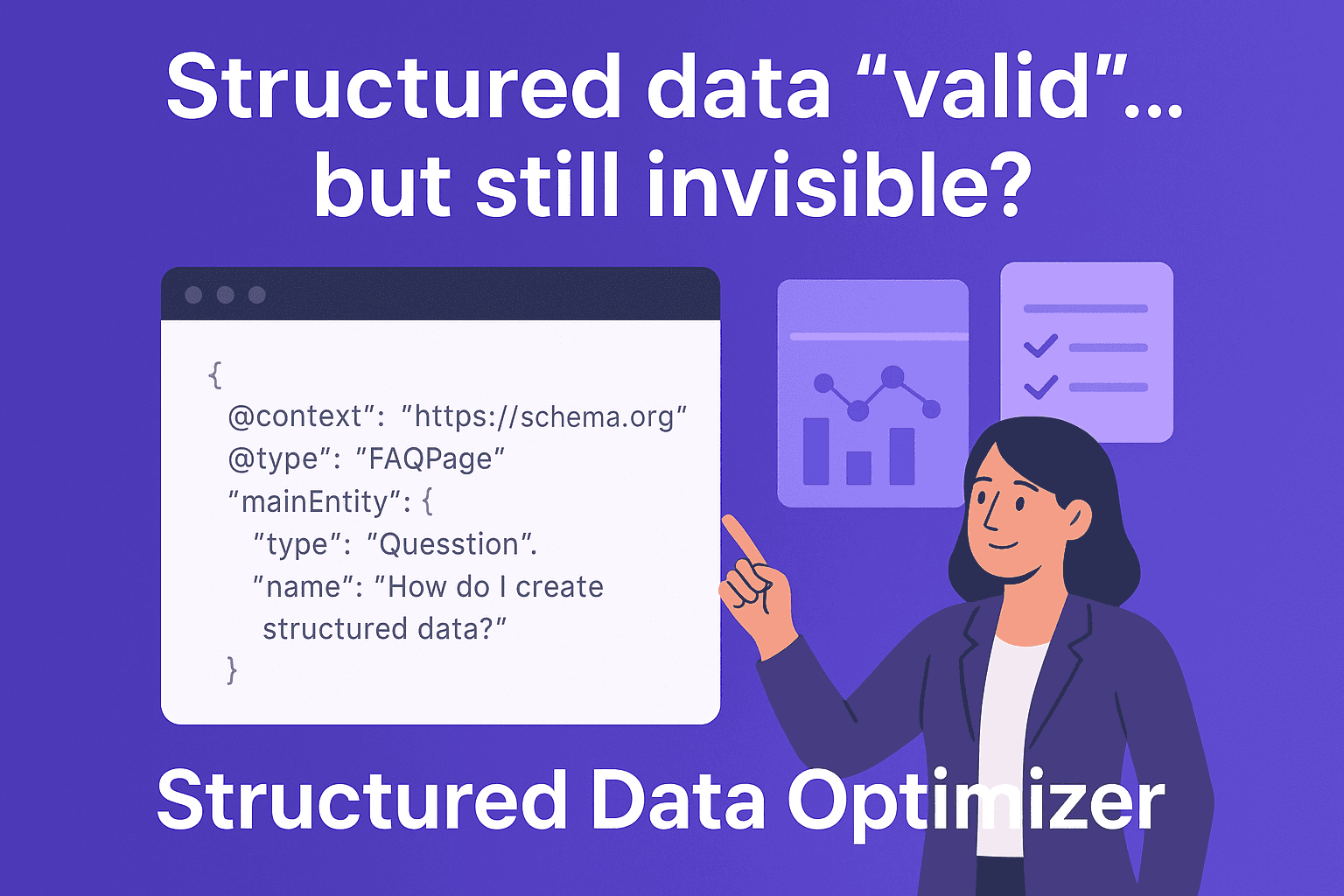
A few years ago, adding an FAQ section to your page was optional.
Today, it’s becoming essential.
With AI-driven search, voice assistants, and Google’s increasing focus on direct answers, content that clearly responds to user questions is getting rewarded more than ever. But here’s the catch, just adding FAQs isn’t enough anymore.
What matters is how well those answers are optimized.
That’s where Q&A optimization tools come in. These tools take your content via URL or content input and turn it into structured Q&A formats designed to improve visibility.
But not all tools are built the same.
Some generate questions. Others help with SEO. And a few are designed for something bigger, AI search visibility and answer engine performance.
Let’s explore the top tools.
1. Purple Leaf
Overview
Purple Leaf is not just a Q&A generator, it’s a full Q&A optimization engine that transforms your existing webpage into search-ready, AI-optimized answers designed to perform across Google and AI-driven search.
Unlike most tools that simply create FAQs, Purple Leaf focuses on how those answers rank, get selected, and surface in real search environments.
Key Features
- URL → Q&A generation based on actual page content
- Intent-driven questions (PAA, conversational, high-CTR formats)
- Built-in FAQ schema (ready to deploy)
- SEO + AI/AEO optimization layer
- Q&A scoring based on ranking signals
- Snippet + AI answer engine readiness
Pros
- Goes beyond generation → focuses on performance and visibility
- Ensures Q&A is aligned with real search intent, not assumptions
- Combines generation + optimization + execution in one workflow
- Helps content qualify for featured snippets, PAA, and AI answers
- Eliminates the need for multiple tools (schema, optimization, analysis)
Cons
- Slight learning curve compared to basic FAQ generators
- More advanced than needed for simple or one-off FAQ use cases
👉 Best For:
Businesses and marketers who want to win visibility in AI search, featured snippets, and People Also Ask, not just generate FAQs.
2. SiteGPT
Overview
SiteGPT generates FAQs based on content input, allowing you to paste your page content and turn it into structured Q&A.
Key Features
- Content-based FAQ generation
- Context-aware Q&A
- Chat with provided content
Pros
- Easy to use
- Accurate outputs when content is well-defined
- Fast generation
Cons
- Not URL-first (requires manual input)
- No optimization or scoring
- No schema generation
- Not built for AI visibility
👉 Best For: Quick FAQ creation from existing content
3. SiteSpeak AI
Overview
SiteSpeak AI allows you to enter a website URL and generates FAQs based on it, primarily focused on quick outputs rather than deep page analysis.
Key Features
- URL-based FAQ generation
- Fast Q&A creation
- Template-style outputs
Pros
- Simple and quick to use
- No need to manually paste content
- Useful for generating basic FAQs at scale
Cons
- Limited content understanding
- Outputs can feel generic
- No optimization or scoring
- No schema generation
👉 Best For: Quick, basic FAQ generation using a URL
4. Originality.ai
Overview
Originality.ai offers an FAQ generator that creates structured Q&A from URLs or uploaded content, with a focus on clarity and accuracy.
Key Features
- URL + file input
- High-quality Q&A generation
- Editable outputs
Pros
- Reliable and well-structured answers
- Strong for authority-driven content
Cons
- No SEO/AEO optimization
- No schema or scoring insights
👉 Best For: Accuracy-focused FAQ creation
5. GetGenie AI
Overview
GetGenie AI is an SEO-driven tool that generates FAQs using keyword data and search intent insights.
Key Features
- Keyword-based Q&A generation
- SEO tools integration
- WordPress compatibility
Pros
- Strong for SEO workflows
- Useful for bloggers and content teams
Cons
- Not URL-first
- Less contextual accuracy
👉 Best For: SEO teams and blog optimization
Comparison Table
| Feature | Purple Leaf | SiteGPT | SiteSpeak AI | Originality.ai | GetGenie AI |
| Input Type | URL | Content | URL | URL + Content | Keywords |
| Q&A Generation | ✅ | ✅ | ✅ | ✅ | ✅ |
| Content Understanding | ✅ Deep | ⚠️ Medium | ⚠️ Basic | ⚠️ Medium | ⚠️ Medium |
| SEO Optimization | ✅ | ❌ | ❌ | ❌ | ✅ |
| AI / AEO Optimization | ✅ | ❌ | ❌ | ❌ | ❌ |
| FAQ Schema | ✅ | ❌ | ❌ | ❌ | ⚠️ |
| Scoring / Analysis | ✅ | ❌ | ❌ | ❌ | ❌ |
| Best For | AI Visibility | Quick FAQs | Basic FAQs | Accuracy | SEO Content |
What Makes Purple Leaf Different?
Most tools in this space stop at generating FAQs.
Purple Leaf is built for what happens after generation, performance.
Instead of just giving you questions and answers, it turns your existing content into search-ready, AI-optimized assets designed to actually rank, appear, and get picked up by answer engines.
It doesn’t treat Q&A as content fillers.
It treats them as strategic search units.
Here’s what that means in practice:
- Extracts Q&A directly from your page (not generic outputs)
- Structures them with ready-to-use schema
- Optimizes answers for real search and AI selection systems
How Purple Leaf Evaluates Each Q&A for Visibility
- Intent Coverage – Ensures the answer fully satisfies the underlying user intent, including related and follow-up queries.
- Query Wording – Aligns phrasing with how real users search, including conversational and long-tail variations.
- Specificity – Prioritizes precise, detailed answers over generic responses to improve selection likelihood.
- Actionability – Focuses on delivering clear, useful answers that help users take the next step.
- Snippetability – Structures answers for easy extraction into featured snippets and instant answers.
- On-Page Alignment – Keeps Q&A consistent with the page’s content, context, and messaging.
- Tone & Brand Fit – Maintains your brand voice while optimizing for search and AI readability.
- Freshness Signals – Ensures answers reflect up-to-date information and evolving search trends.
- Accuracy & Evidence – Emphasizes factual correctness and trustworthy, well-supported information.
- Topical Completeness – Covers all key aspects of a topic to strengthen authority and ranking breadth.
- Clarity & Directness – Delivers answers that are easy to understand, concise, and immediately useful.
- Entity & Terminology Usage – Uses relevant terms and recognized entities to improve semantic relevance.
- Internal Linking & UX – Enhances navigation and user flow by aligning Q&A with page structure.
- Structured Data Quality – Ensures schema is accurate, valid, and optimized for rich result eligibility.
Final Thoughts
Every tool in this space solves a different part of the problem.
Some are great for quick FAQ generation, others help with scale, and some bring in SEO-driven insights. The right choice really depends on what you’re trying to achieve.
If your goal is simply to generate FAQs, several tools can get you there quickly.
But if your goal is to turn your content into something that gets picked up, surfaced, and cited in modern search, you need a layer beyond generation.
That’s where Purple Leaf stands out by combining content understanding, optimization, and performance-driven execution into a single workflow.
If you’re looking to make your content more structured, discoverable, and aligned with how search is evolving, it’s worth taking that next step.